Claude Artifacts Alternatives: ChatGPT, Gemini, Open Source, and Self-Hosted Options
November 18, 2026
For most of their life, Claude Artifacts were pages you made in a chat and shared with a link. That changed this year. Since September, new artifacts start from templates, and in November Anthropic added Sheets and Whiteboards in beta and moved Claude Dashboards to general availability under a new name, Claude Data.
We like most of this. It's also why we think teams should stop and ask where that work lives. A dashboard your finance team opens every Monday is a company asset. If it exists only inside one vendor's app, and half the company uses a different AI, that problem grows with every artifact you make.
So when we compare Claude Artifacts alternatives, we ask two things. Will the work outlive the tool you made it in? And can someone on ChatGPT or Gemini open it and change it? Here are the options we'd consider, with what each does well and where each falls short.
What Claude Artifacts Do Now
Anthropic's artifacts help page lays out the current setup. Artifacts are on every plan, from Free to Enterprise, and in Claude Code too. Since September 16, 2026, every new artifact starts from a template. Docs, Slides, and Design are on all plans. Data is on Pro and higher. Sheets and Whiteboards are in beta on Pro and higher, and Motion is in beta on Team and Enterprise.
Anything you made in chat before September 16 is now a legacy artifact. Those keep working and you can still share them, but you can't make new ones. Storage moved too: new artifacts hold up to 100 MB and 25,000 records by default, where legacy ones got 20 MB of text.
The November release is the bigger shift. Per Anthropic's announcement, Sheets has tabs, formulas, formatting, and drop-downs. Claude Data connects to a warehouse or CRM and adds certified metric definitions, live sharing, caching, and tracked changes with rollback. Certified queries and live sharing are still in beta. That's a BI tool, and a pretty capable one for something that started as a chat side panel.
Where Claude Artifacts Live, and Who Can Open Them
Everything you make lands in the Artifacts tab in the Claude sidebar, and it starts private. It runs on claude.ai. Anthropic offers no self-hosted version.
Sharing has more rules than most people expect. Anthropic's sharing guide says "anyone with the link" shares open for people outside your org, most of them without a Claude account. Docs are the exception: they open only for people signed in to Claude, who can only view them. On Team and Enterprise, artifacts stay inside the org until an Owner turns on external sharing. And for viewers who are outside the org or not signed in, the parts of an artifact that use connected apps or Claude don't work.
Two more details shape how artifacts behave once they spread. An artifact that uses connected apps runs on the viewer's connections, not the creator's. An artifact that calls Claude bills each viewer's own plan, and the viewer has to sign in with their own Claude account.
Export is where you see what leaves with you:
- Docs: Word, PDF, Markdown, Google Docs
- Slides: PowerPoint, PDF, Google Slides
- Designs: .zip, PDF, PowerPoint, standalone HTML
- Sheets: .xlsx or CSV
- Motion: MP4
- Legacy artifacts: view the code, copy it, download it
Those are snapshots. A Word file doesn't keep the link your team bookmarked, and we didn't find an export path for a Claude Data dashboard in the help pages we read. One more thing to know before you clean up: unpublishing a legacy artifact permanently deletes its stored data.
Claude Artifacts Alternatives Compared
Every option below makes a different trade between staying close to one model and making the work portable. None of them is a straight swap.
ChatGPT Canvas, the Claude Artifacts Alternative for ChatGPT
Canvas is OpenAI's side-panel editor for writing and code inside ChatGPT. If your company standardized on ChatGPT, it's the obvious place to start, since your people already have accounts and the editor sits next to the chat they're already in.
The liability is the same one Claude has, pointed the other way. Canvas work stays in ChatGPT. You've swapped one vendor's folder for another's, and the Claude users on your team are now the ones locked out.
Gemini Canvas, the Claude Artifacts Alternative for Gemini
Google's Canvas works much the same way, with one difference we like: it hands work off to Google Docs, Slides, and Colab. For a company that already runs on Google Workspace, that handoff puts the result somewhere people know how to find, share, and permission.
The catch is that the handoff is a one-way trip into Google's apps. A Doc in Drive is portable among Google users. It isn't something a Claude or ChatGPT agent edits by default, so you're still choosing a home vendor.
Cursor and Other Coding Agents
People searching for a Claude Artifacts alternative for Cursor usually want the same thing: a place where the HTML their coding agent writes can be opened by someone who doesn't use Cursor. Cursor works on files in your project, which is about as portable as it gets. But a repo is a poor place to hand a sales manager a dashboard. Cursor, like Claude, ChatGPT, Gemini CLI, and Codex, supports MCP, the open protocol Anthropic introduced in November 2024 for connecting AI apps to outside tools and data. That's the hook the next option uses.
Anchor
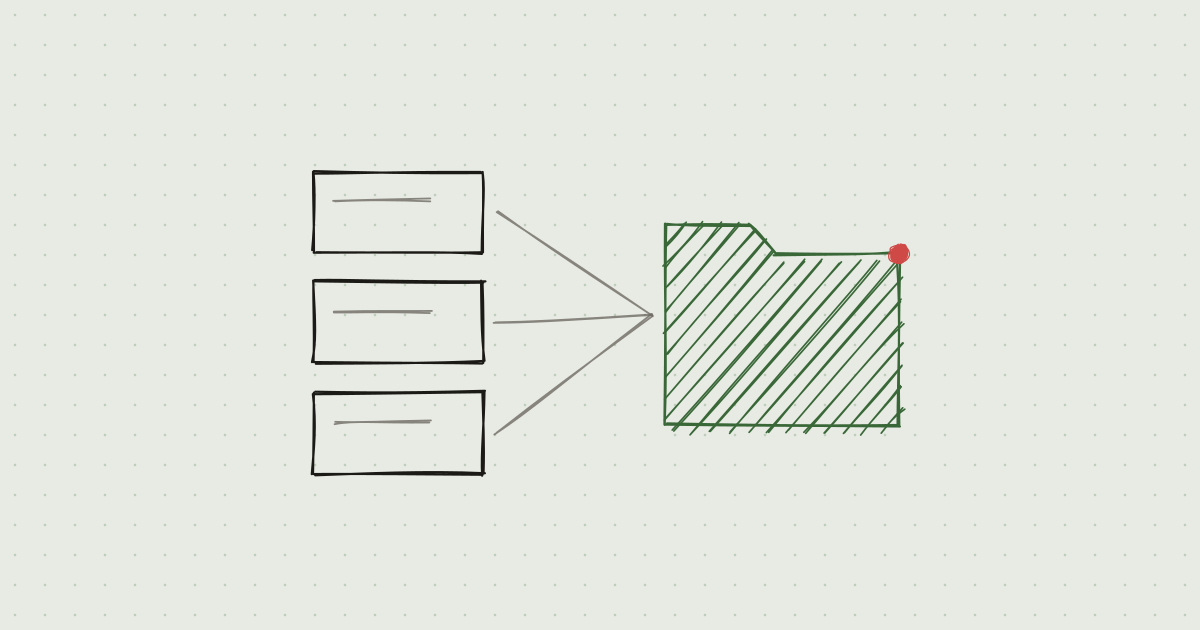
Anchor describes itself as a file system for AI artifacts: HTML pages, Markdown docs, presentations, apps, and live tables, kept in folders with a link each. Agents read and write files over MCP, and people edit in the browser. Its list of supported agents covers ChatGPT, Claude, Gemini, Open WebUI, Cursor, Codex, Claude Code, Gemini CLI, and any other MCP-compatible agent. Per Anchor, pages are stored as HTML, documents as Markdown, and tables in PostgreSQL. It keeps version history that records which agent or person made each edit, and shared files open in a browser with no AI account needed.
That's the design we think fits the two questions above. The file sits outside every model vendor, so a page Claude drafted on Tuesday can be edited by a colleague in ChatGPT on Wednesday. If you switch models next year, the files don't move.
It has real downsides, and you should weigh them:
- It isn't open source.
- It has nothing like Claude Data's certified metric definitions.
- It's a young product.
- Artifacts that call Claude from inside the page don't carry over. You rebuild those as apps.
Open Source and Self-Hosted Claude Artifacts Alternatives
If your security team won't let work leave your network, Claude Artifacts are off the table, since there's no self-hosted version. The open source options are the place to look.
Open WebUI and LibreChat are open source, self-hosted chat interfaces that work with many models, including Claude, GPT, and local ones. Both render HTML artifacts inside a chat. For a team that wants one chat UI across every model on its own servers, that's a strong pick (we've written about how Open WebUI loads MCP tools). The weak spot is where artifacts end up. They belong to a chat, and there's no shared company folder, so a useful page made in one conversation is hard for the next person to find.
artifact-server is a young open source project that publishes agent-made HTML to a server you run. It's the closest thing to self-hosted Claude Artifacts publishing we've seen. It's also early, so expect to own the gaps yourself.
Anchor isn't open source, but its enterprise planoffers on-prem, self-hosted, or managed VPC deployment with SSO and audit logs. If you need self-hosting and cross-model access more than you need the source code, that's worth a look.
A Claude Dashboards Alternative (Claude Data and Sheets)
If you came here looking for a Claude Dashboards alternative, note the rename first: Claude Dashboards is now Claude Data. And for governed metrics on top of a warehouse, we'd be straight with you: none of the options above match it. Certified metric definitions, live sharing where viewers see approved results without connector access, and rollback on tracked changes are what a data team needs before it lets a dashboard drive decisions. If that's your problem, Claude Data may be the right answer, and the lock-in is the price.
Sheets is a different story. It exports to .xlsx and CSV, so the data leaves cleanly. What doesn't leave is the link, the history, and whatever formulas and drop-downs your team built around it.
Most dashboards people make with AI aren't certified metrics, though. They're a pipeline tracker, a weekly ops summary, a table someone updates by hand. For those, a page plus a live table in a shared folder covers the job, and anyone on any AI can update it.
Using Claude Artifacts Without a Claude Subscription
You can make Claude Artifacts without paying. Docs, Slides, and Design are on the Free plan. Data templates, connected apps, and data storage need Pro or higher.
Viewing is where it gets uneven. Most link shares open without a Claude account, but Docs need a Claude sign-in. Anything that calls Claude or a connected app stops working for viewers who aren't signed in, and for those who are, it bills their plan. So an interactive artifact asks every reader to have Claude.
If your readers live in ChatGPT or Gemini, or have no AI account at all, a file they open in a browser avoids that. That's true of a plain HTML file on a server you run, and Anchor says it's true of files shared from Anchor. Anchor also says it doesn't sell model access and runs on the agent subscriptions you already pay for.
How to Choose a Claude Artifacts Alternative
Start with who opens the work. If everyone is on Claude and the work is a one-off, stay in Claude Artifacts. The templates are good and the Free plan covers a lot. If the work is certified metrics, use Claude Data and accept the dependency on purpose.
If your company has picked ChatGPT or Gemini, use that vendor's Canvas and know you've picked a home. If you need everything on your own servers, Open WebUI or LibreChat for chat and artifact-server for publishing will get you there, at the cost of running it.
If the work has to outlive the model and be editable from more than one AI, put it somewhere that isn't owned by a model vendor. That's the same argument we make for LLM-agnostic enterprise architecture, applied to the files people make. We think Anchor is a solid option here, with the downsides listed above. If you're moving existing work, our guide on using Claude Artifacts in ChatGPT covers the mechanics.
Disclosure: Neural Bridge and Anchor are related companies.